Create Ticket
Create Ticket
Purpose
Ticket is the primary means to record incidents, track progress, and coordinate response within SOC.
How to Create
- Manual: go to
Ticketspage →Create New Ticket.
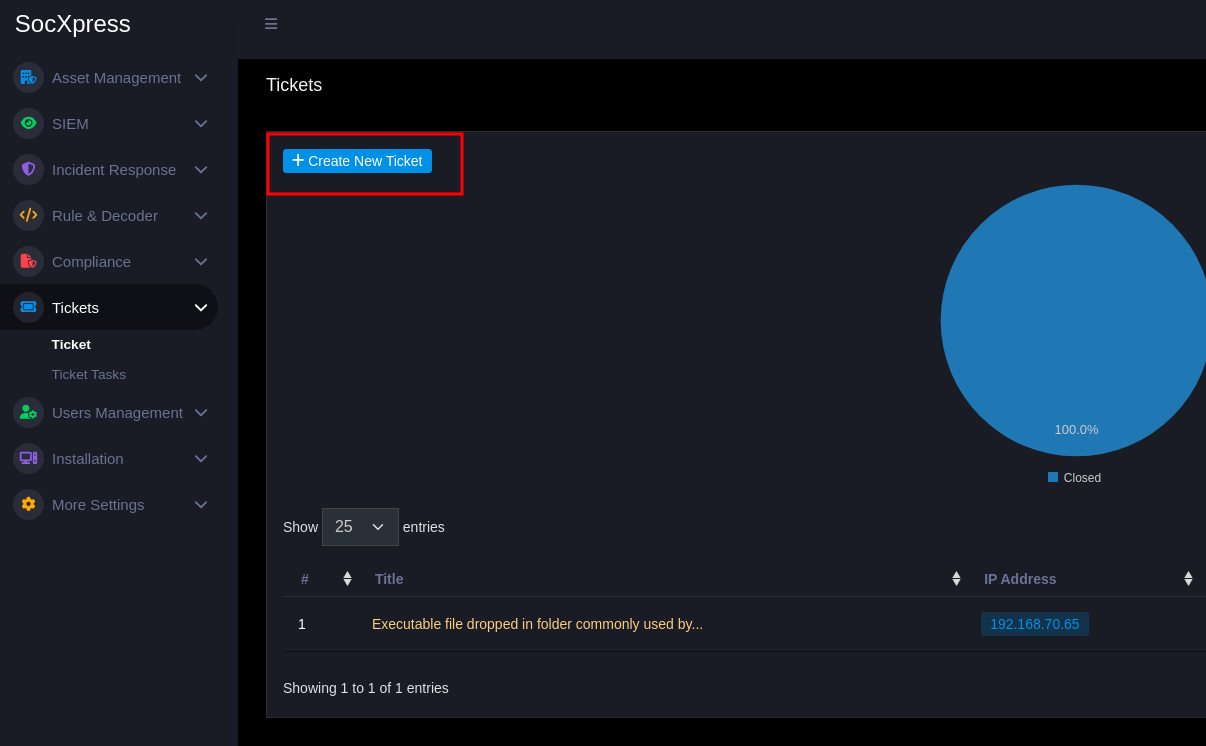
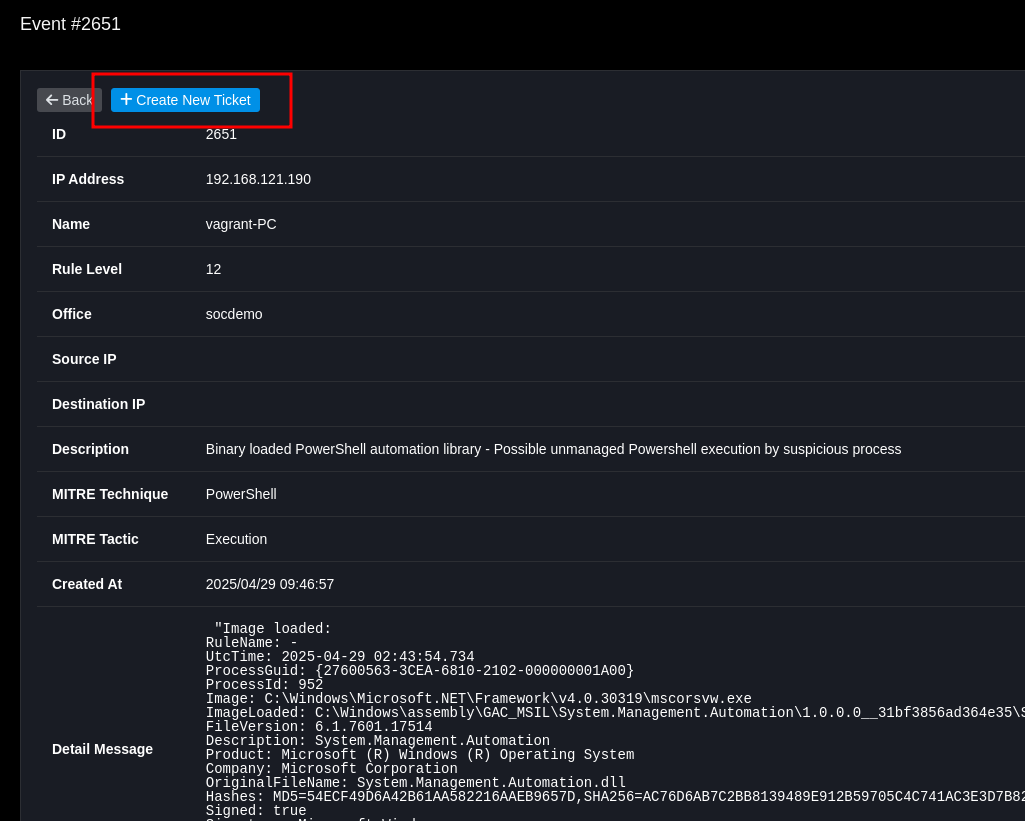
- From Event: from
Event DetailselectCreate Ticket(fields will pre-fill related information).
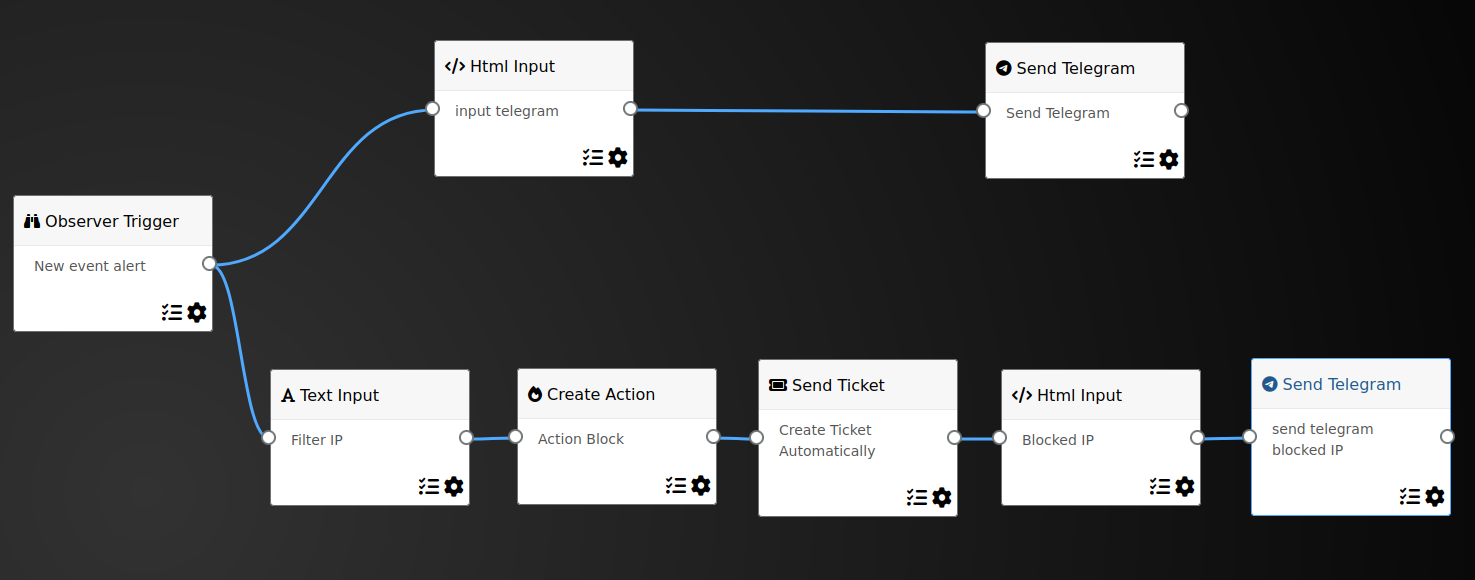
- Automated: SOAR workflow can automatically create ticket when conditions are met.
Important Fields
Title(required)Office Name(required)Agent Name(required)IP/Source IP(required if related to network)Content/Detail Message(required)
Attachment
- Supports JPG/PNG/PDF files and log files as evidence.
Best Practices
- Fill in complete context: timeline, impact, IOC (hash, IP, domain), steps already taken.
- Assign
PriorityandAssigneeimmediately when creating to avoid handling delays. - If creating from Event, check and adjust pre-filled information before saving.