Tag
Tag
Adding Tags
This feature allows assigning Tags to Offices for classification and grouping by characteristics (e.g., region, type, priority level, etc.). This allows users to easily filter and monitor Offices by desired groups.
- Helps SOC Tier 1 quickly classify and identify events based on the corresponding Office tag.
- Supports prioritizing incident response by important office groups or by region.
- Increases log retrieval and analysis speed, reducing search time when investigating events.
- Helps organize monitoring work more effectively, especially in environments with many Offices managed centrally.
How to Filter Office by Tag
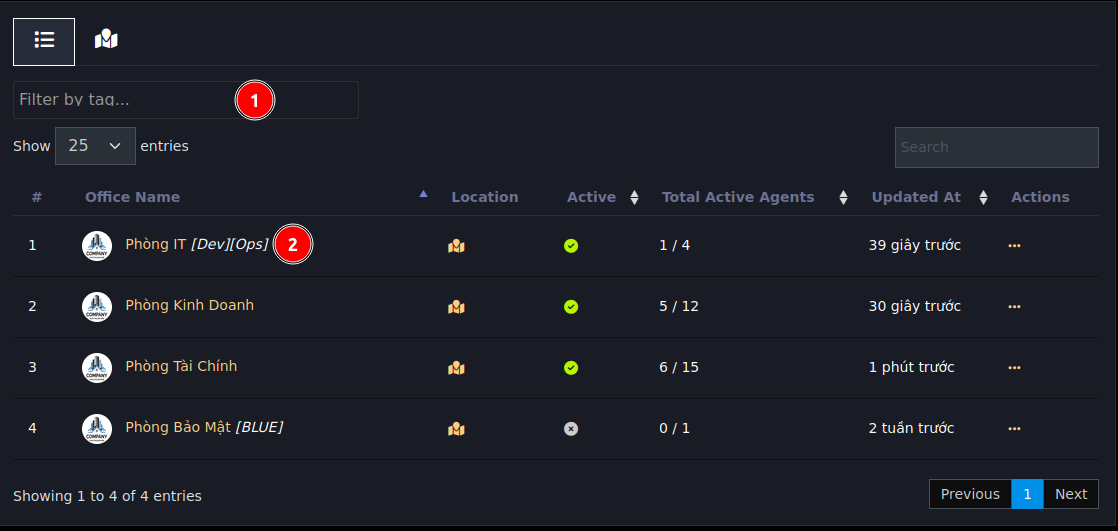
- Tag selection field to filter, can enter text for quick search
- Tag name assigned to the office
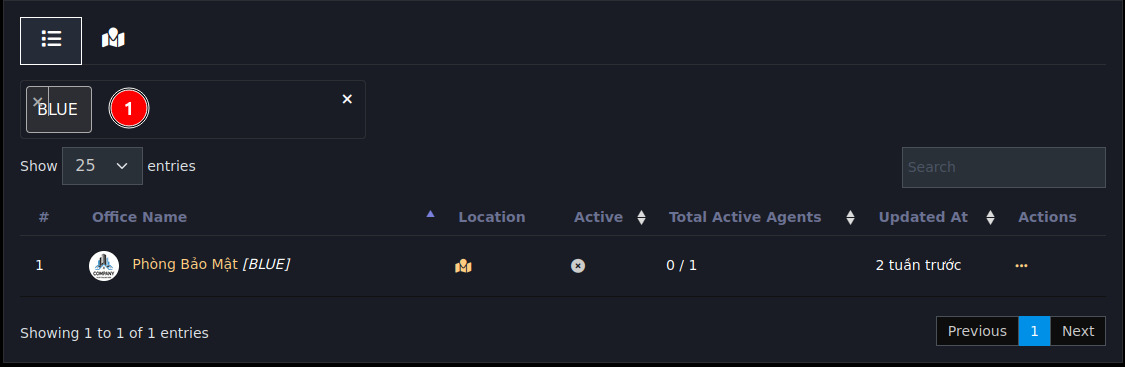
After selecting a tag, the screen will only display offices with corresponding tags as shown above
How to Add Tags to Office
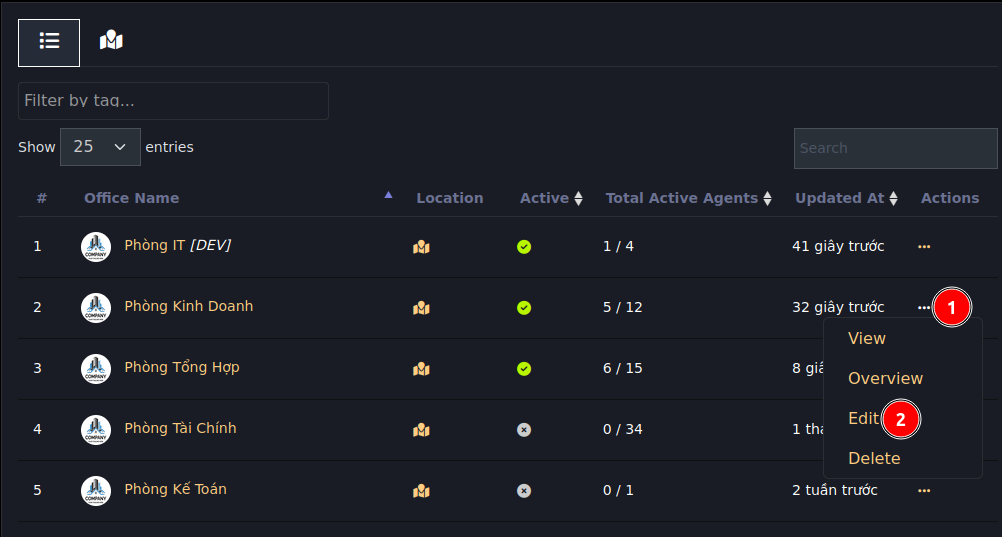
On the edit office screen as shown below:
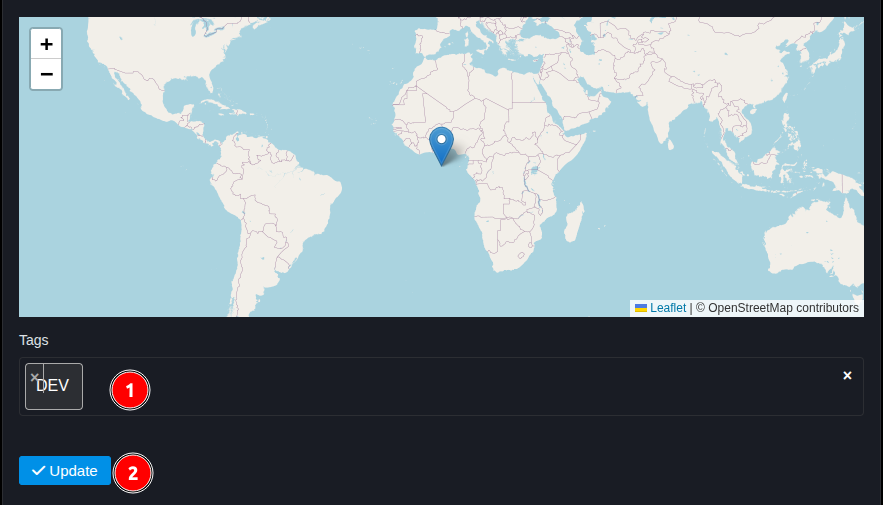
- Tag input field, can add multiple tags by typing tag name and pressing enter for each tag.
- Press the Update button to save