Connected Devices
Connected Devices
The Connected Devices page lists all devices appearing on the network — including devices with Agent and unregistered devices (unknown devices).
Purpose
Provides a list of devices currently active in the monitored network system, including:
- Includes both devices with Agent installed and new unknown devices accessing the organization's network;
- Which department the device belongs to;
- Device name, MAC address, manufacturer, type (computer/mobile device, etc.).
Key Features
- Search & Filter: by name, MAC, Office, detection time (new in 7 days).
- Actions:
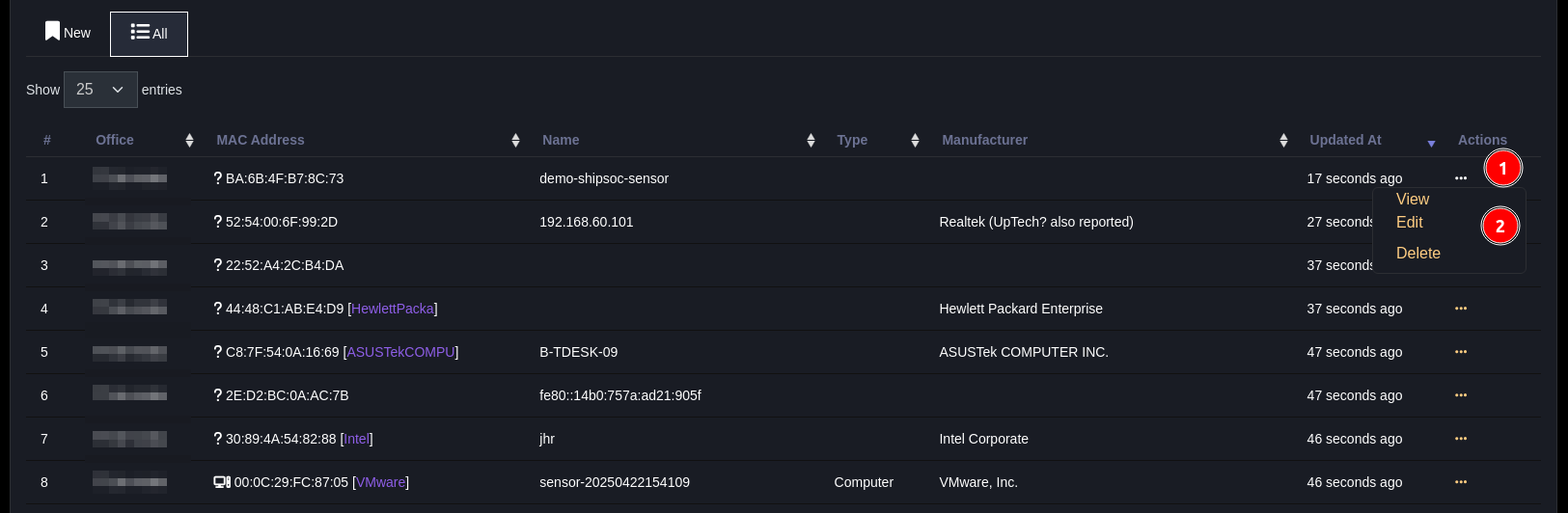
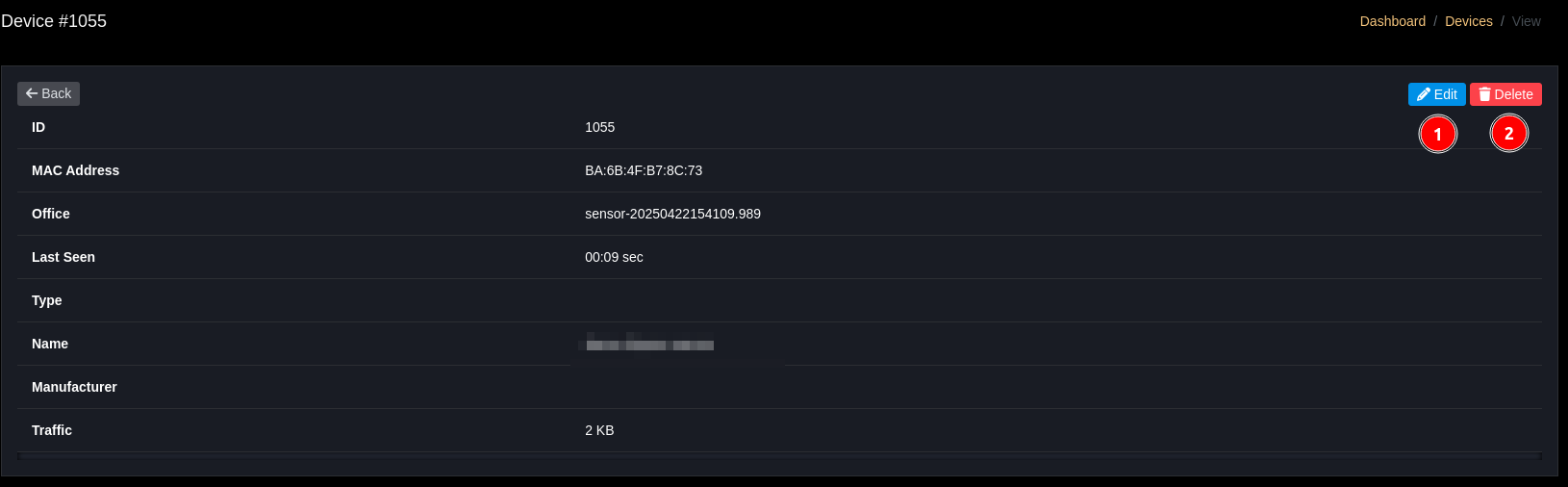
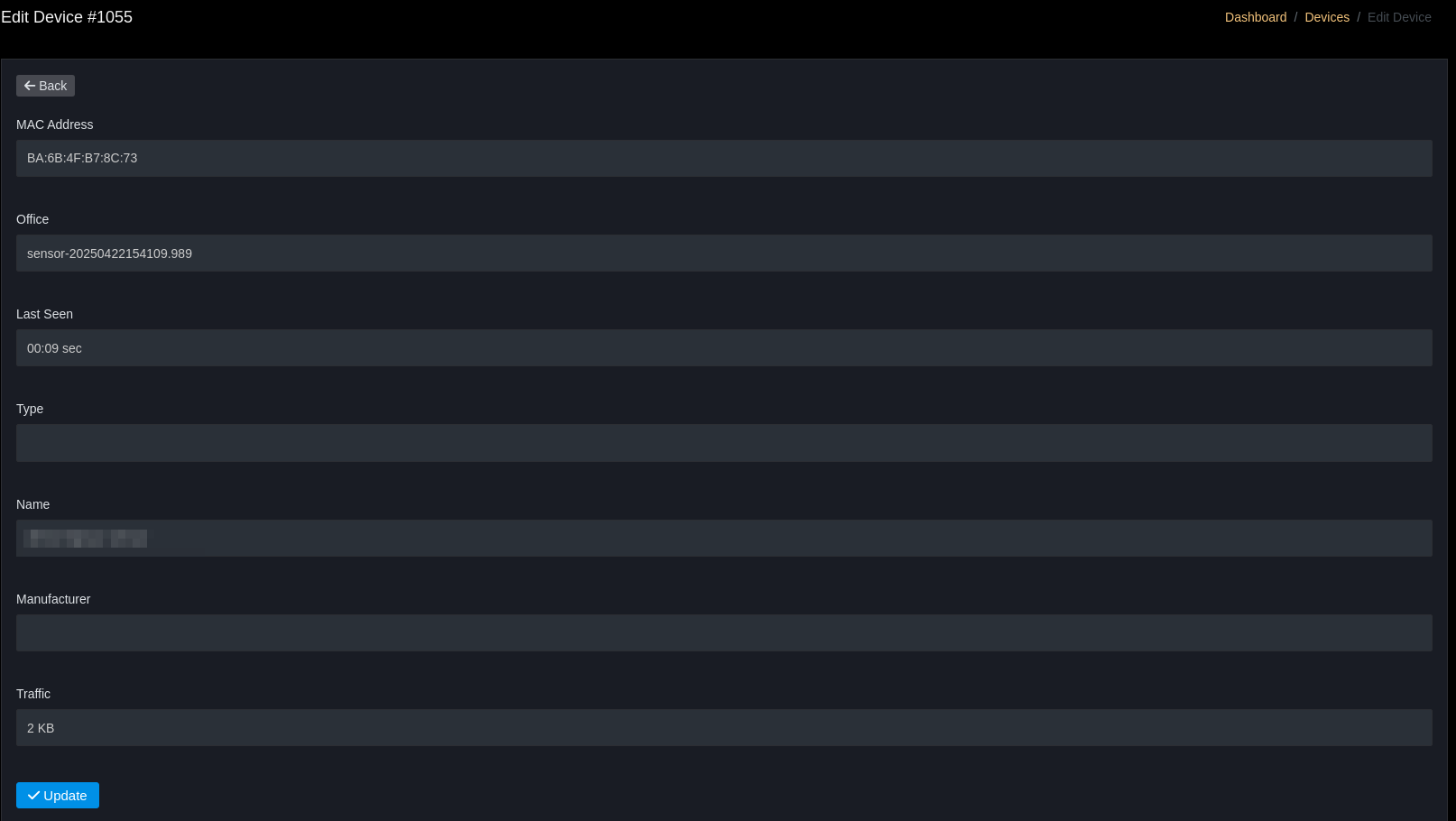
View,Edit,Delete. - Mark device as known / enroll to Agent (if automatic enrollment is supported).
By default, this page displays all connected devices. You can filter to view new devices (connected within 7 days) or all devices
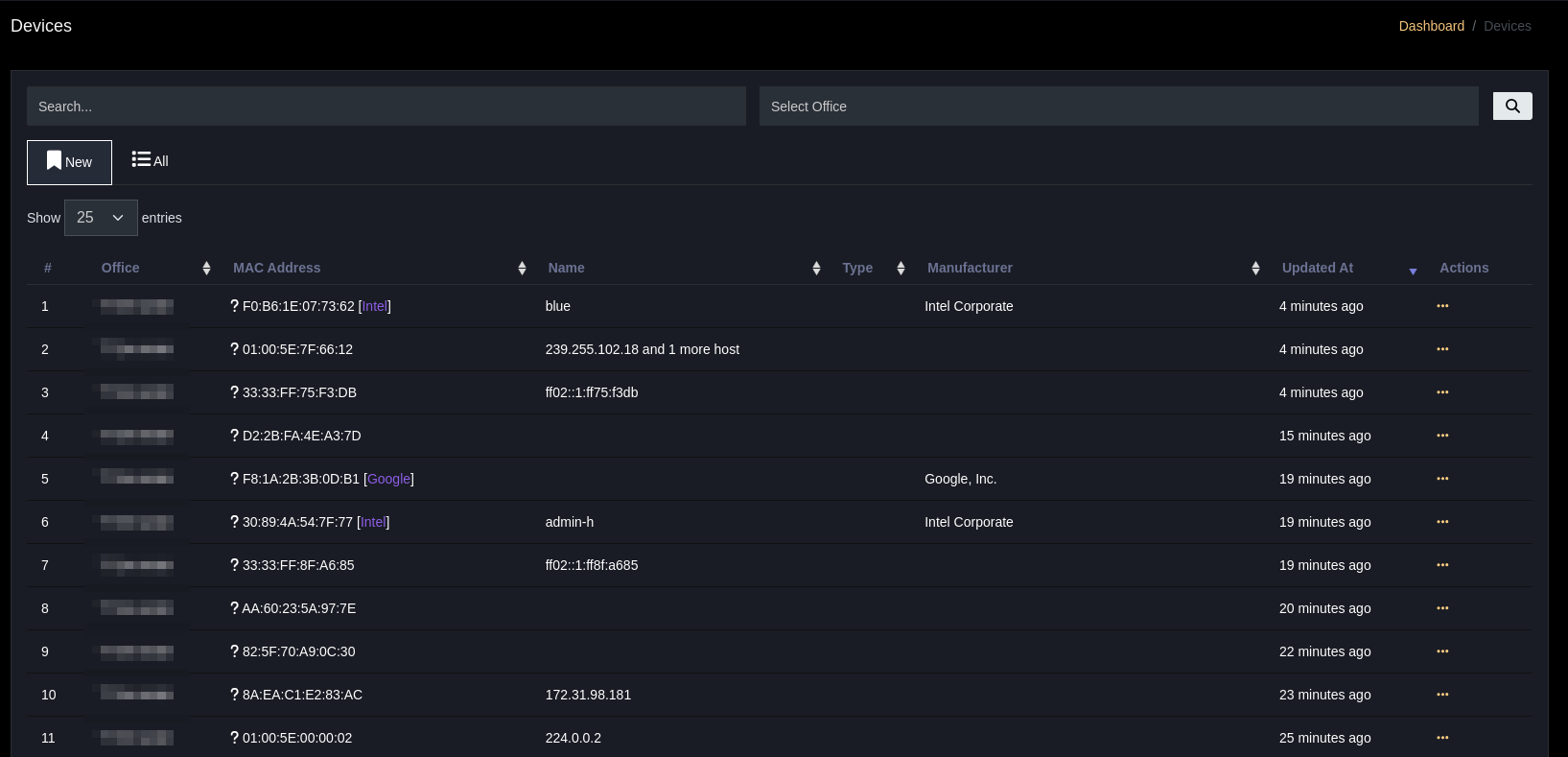
Search bar (Search & Filter)
- Search box (Search...) → Allows entering keywords (can be name, MAC) for quick device list filtering.
- Select Office (Dropdown)
→ Filter by office, displaying only devices belonging to the selected branch/office.
For each device in the table, you can View, Edit, or Delete in the Actions column
Used in Investigation
- Compare MAC/IP with notification events to identify alert source.
- Detect new rogue devices connecting and alert the SOC.