Detail
Detail
Note: For any workflow, if just one task does not meet the configured conditions, all tasks in the workflow will be cancelled
Abort / Stop / Pause workflows
This task allows controlling and pausing the automation process when adjustment or checking is needed.
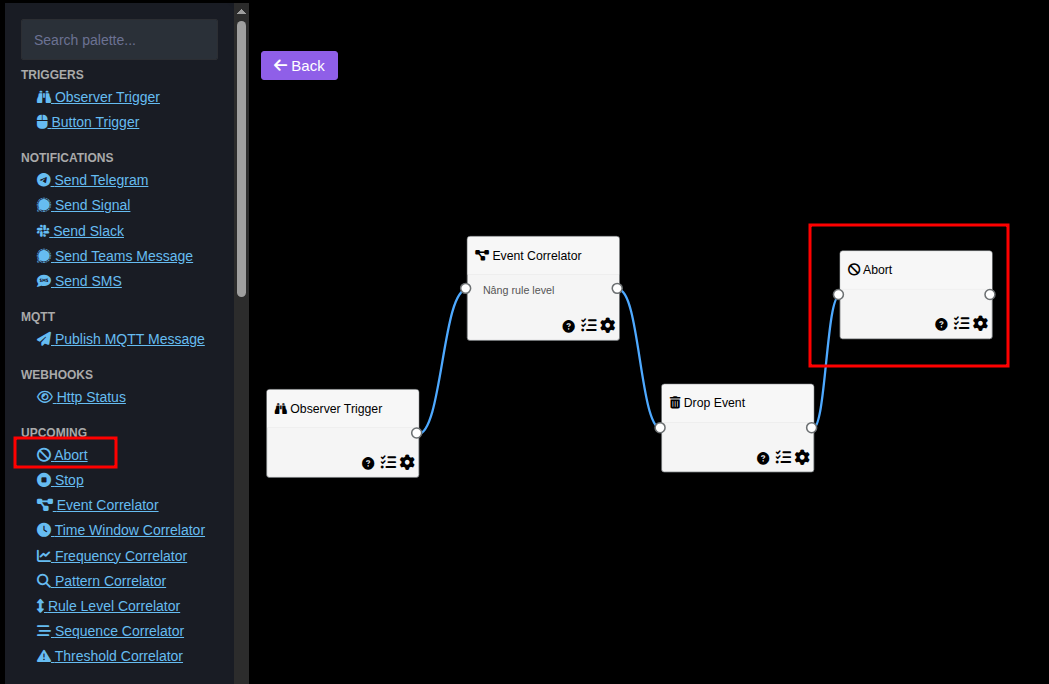
Abort task
Stop workflow regardless of configuration
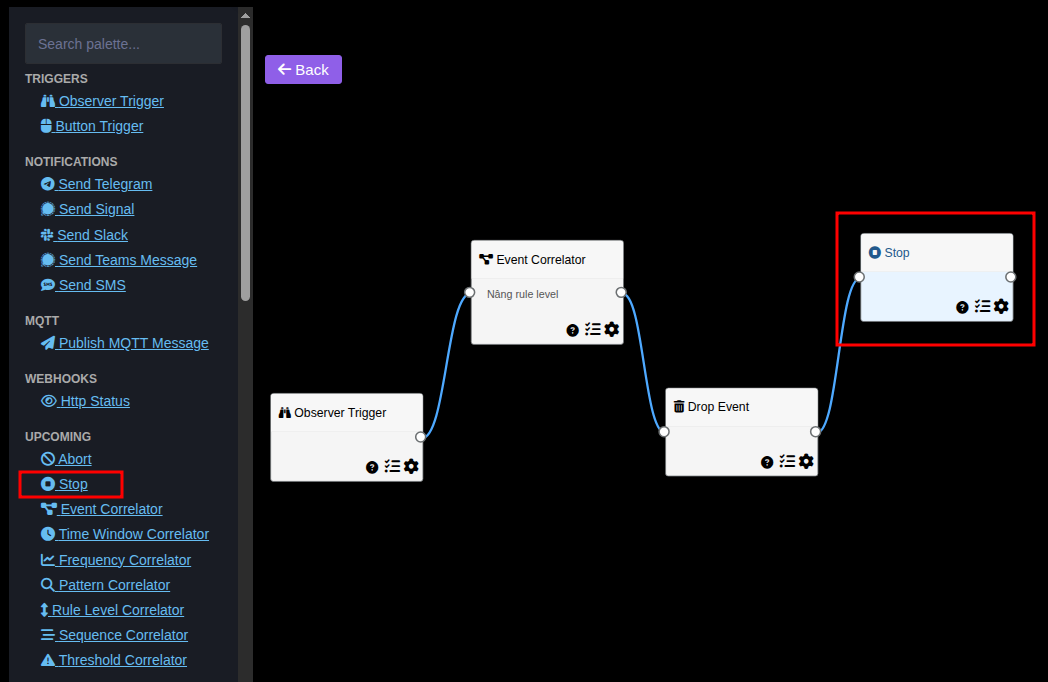
Stop
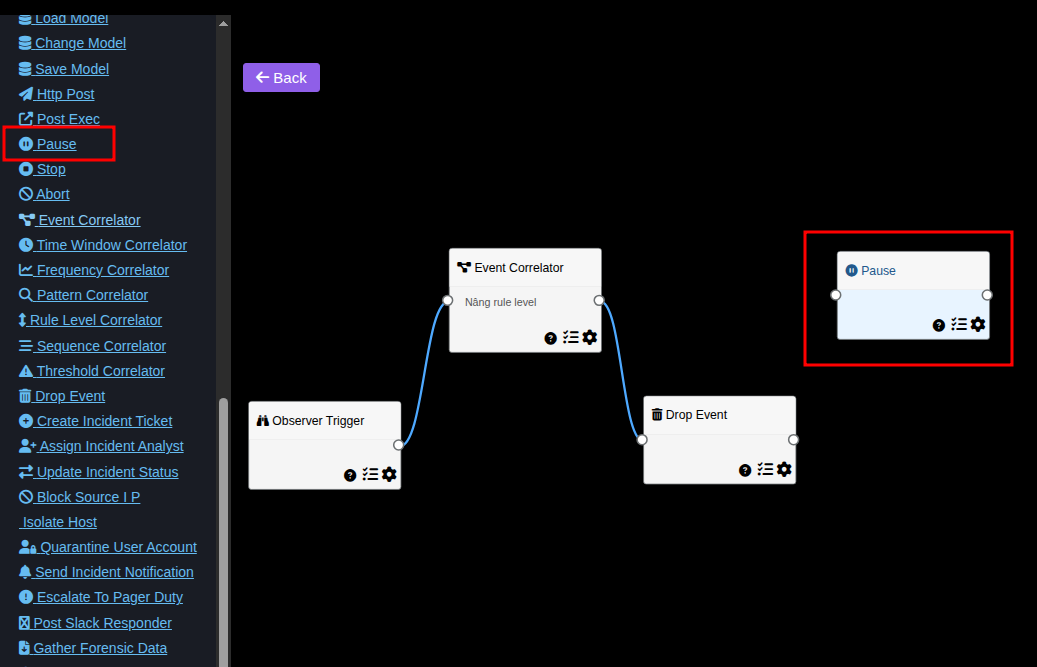
Pause task
Pause workflow for a set time period (in seconds). After this time, the workflow will continue running
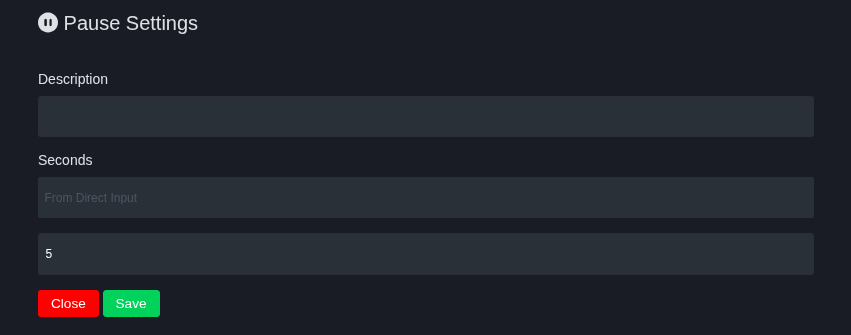
Enter time (in seconds) in the Seconds field
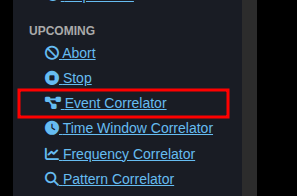
Change event rule level (Event Correlator)
This task allows changing the rule level of triggered events
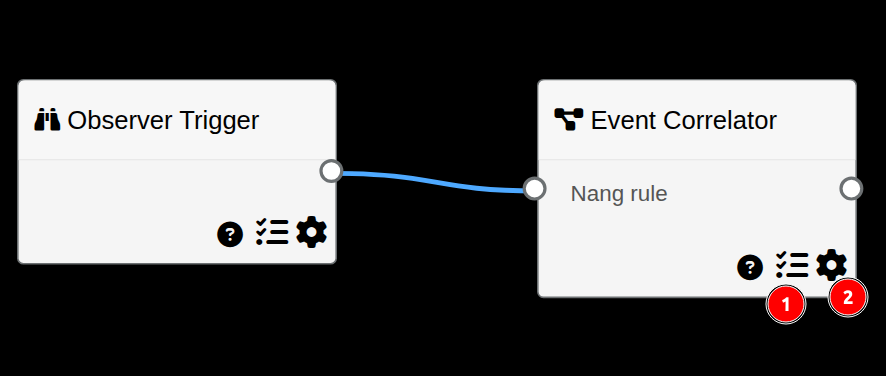
- Set conditions for task to trigger
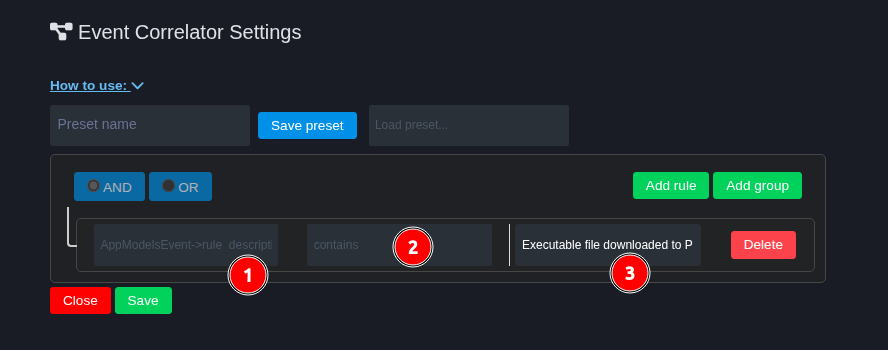
- Select event attribute to check condition
- Operator used to check condition (equal, not equal, contains...)
- Value used to check, compare with attribute
- Configure rule level change for event
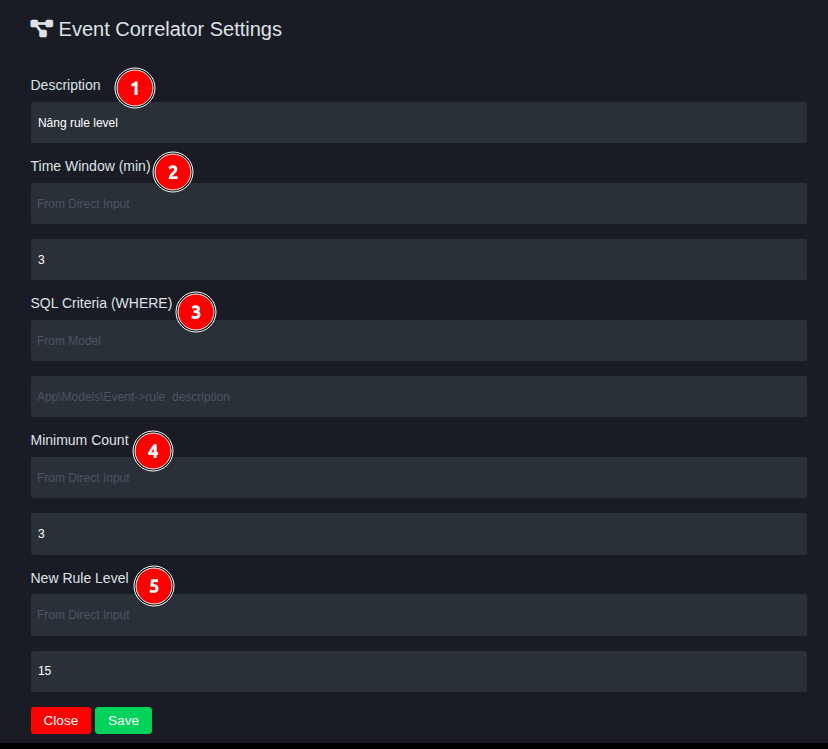
- Description for task
- Minimum time interval for the event satisfying trigger to appear again
- Event attribute used as condition for repetition. Must select "From Model"
- Minimum number of repetitions of event satisfying condition configured in number 3.
- Desired rule level change
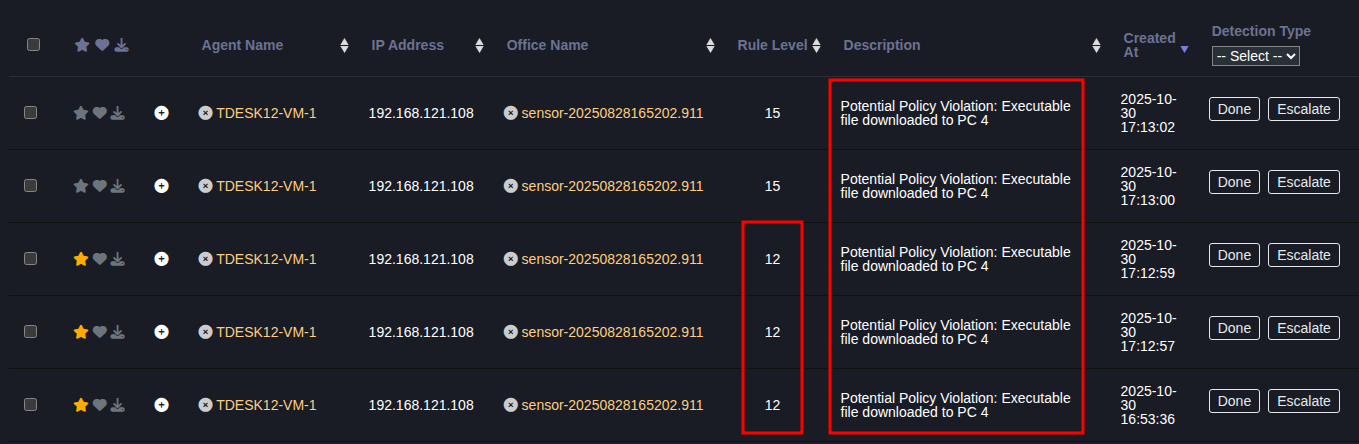
Example result
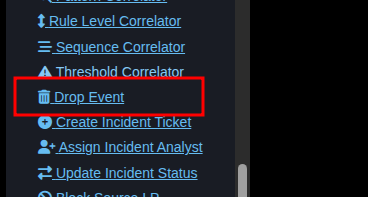
Delete event (EventDrop)
This task allows deleting (dropping) triggered events
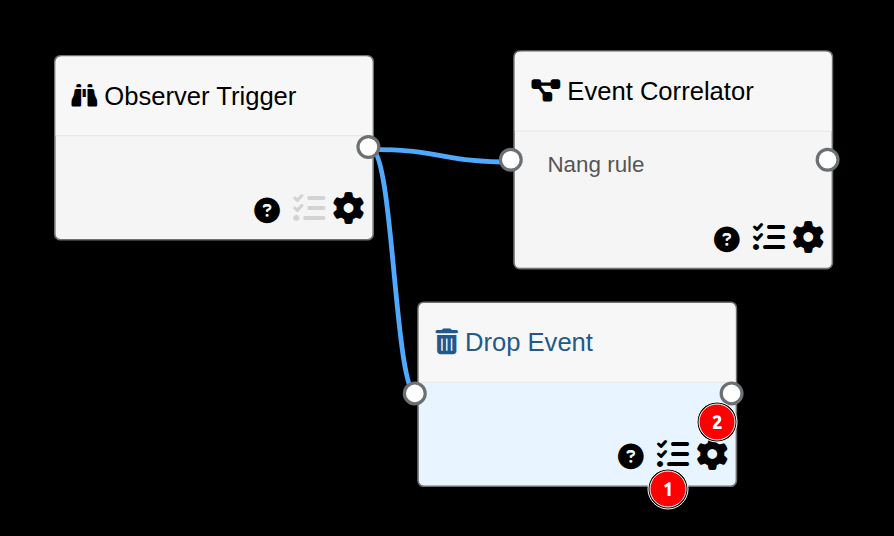
- Set conditions for task to trigger
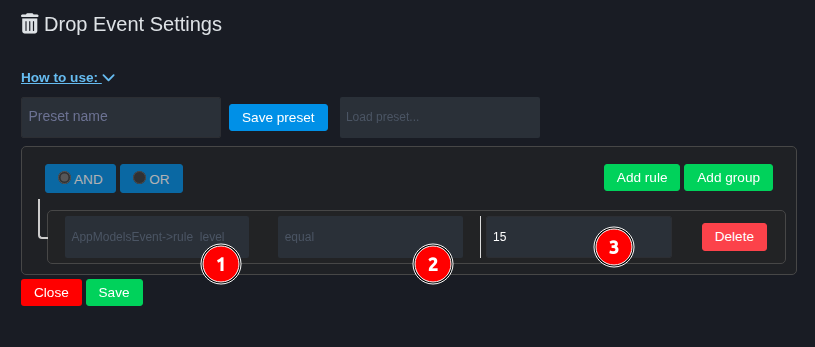
- Select event attribute to check condition
- Operator used to check condition (equal, not equal, contains...)
- Value used to check, compare with attribute
- After setting conditions, if conditions are met the task will execute Drop Event without additional configuration