Exec Command
Exec Command
Purpose
Exec Command allows temporary command execution on Sensor to support investigation or emergency operations.
Key Features
- Allows executing commands directly to the system where Sensor is running.
- Used for emergency operations such as killing processes, collecting log files, isolating machines,...
Allowed Commands (examples)
lspwddatewhoamidfuptimerebootclearuname
Two Modes
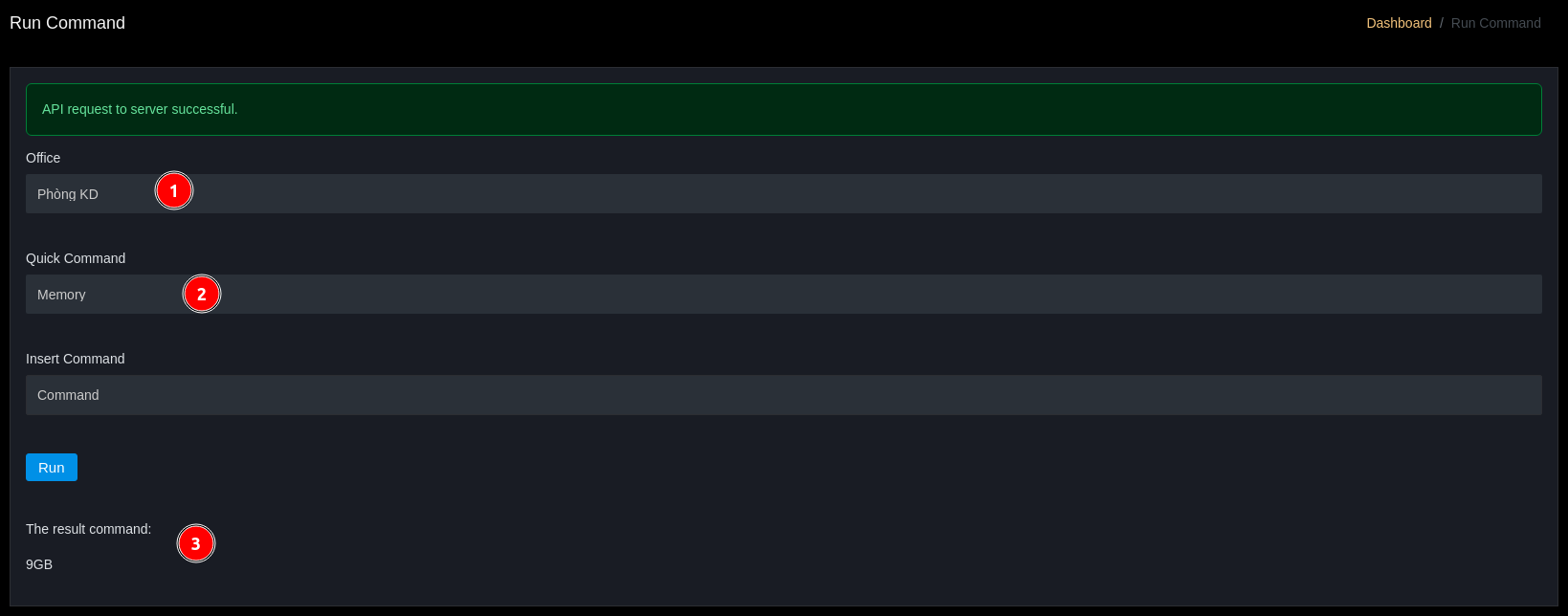
- Quick Command: select pre-defined, safe, and fast commands.
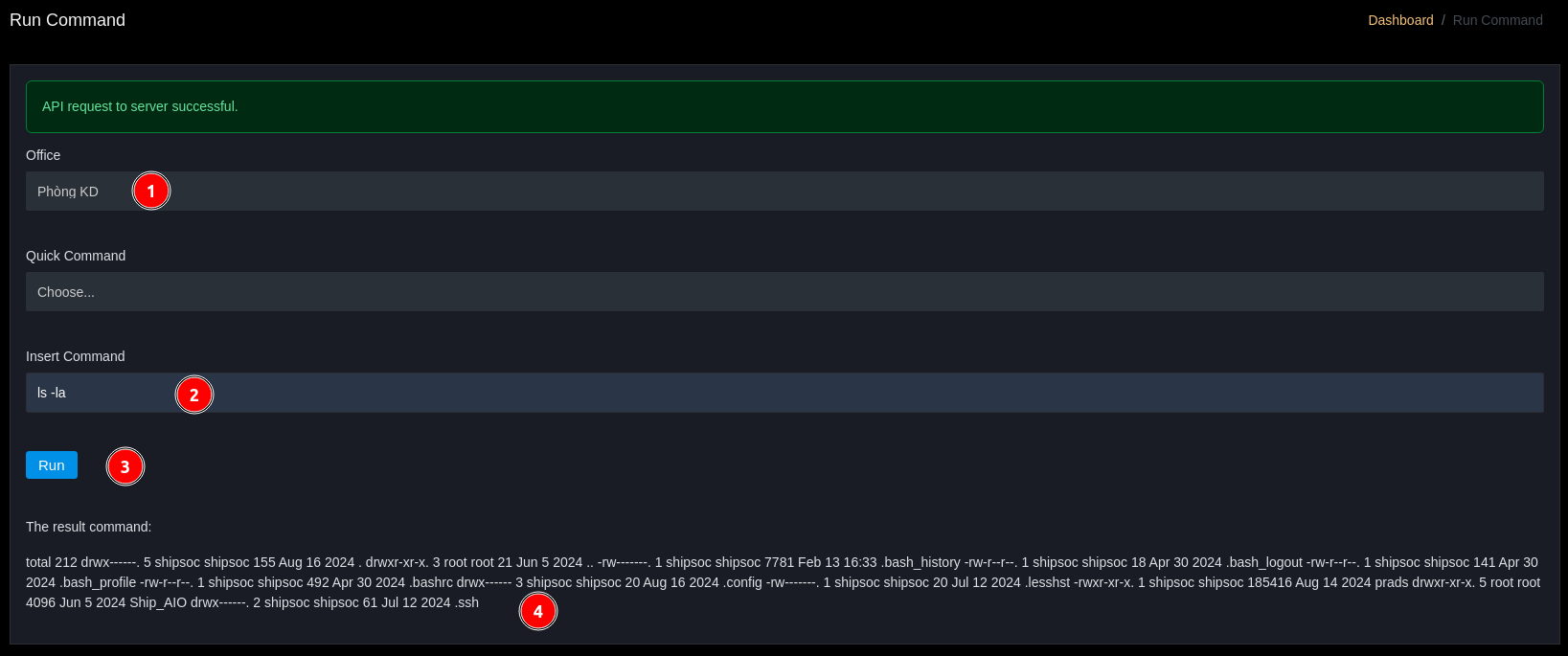
- Insert Command: enter custom commands (only when needed and must have appropriate permissions).
Security Warnings
- Limit command execution permissions to authorized roles only.
- Record audit logs for all executed commands (user, timestamp, command, output).
Usage Examples
- Check memory: Quick Command
df/free. - Collect logs: Insert Command
cat /var/log/syslog | tail -n 200.
Use Quick Command with Memory option then press the Run button
Use Insert Command and run the command then press the Run button