Agents
Agents
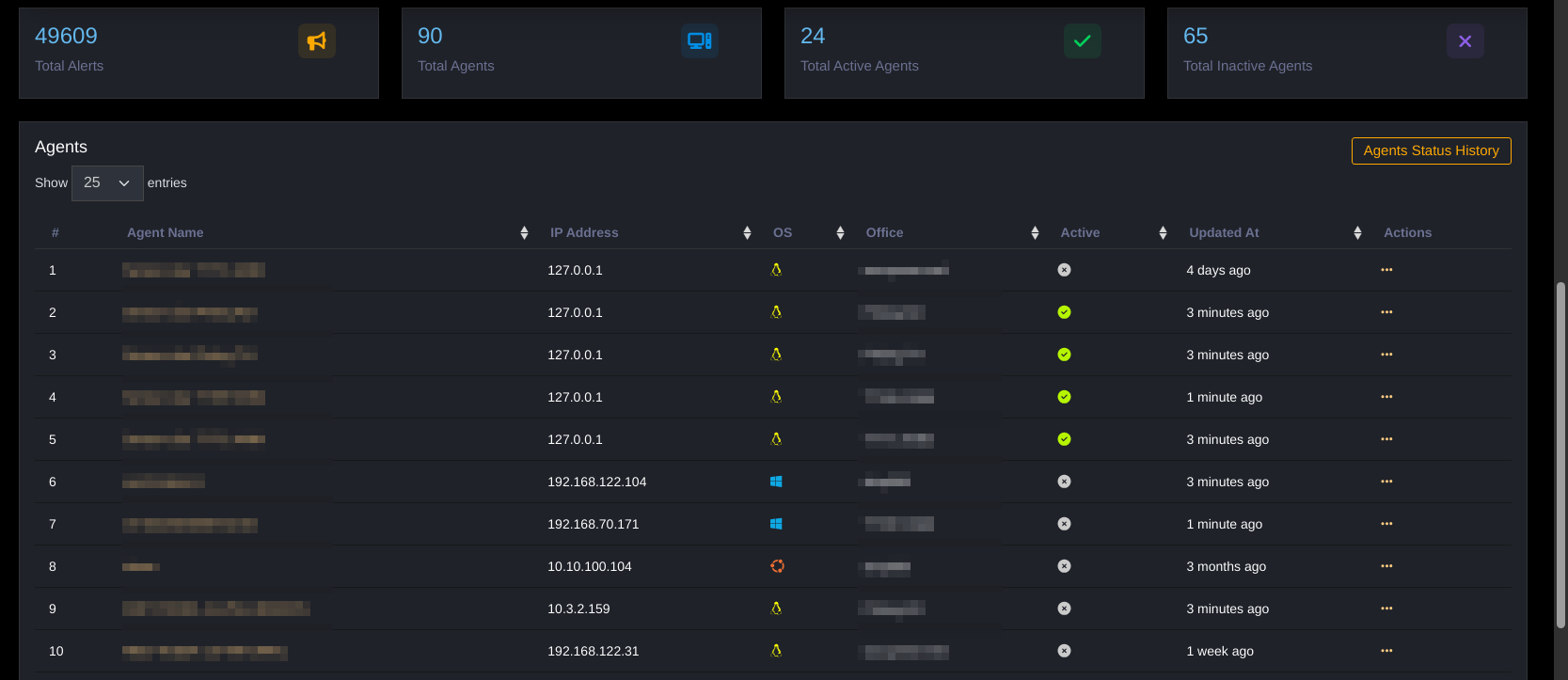
The Agents module manages endpoints (servers, workstations, sensors) with agents installed, allowing users to centrally manage all monitored devices (agents) at offices.
Purpose
- Monitor device connection status and basic information.
- Manage tags for classification and quick event filtering.
- View operating system information, IP address, department of the Agent
- Filter information by required search fields
Key Features
- Monitor Agent device status
- View operating system information, IP address, department of the Agent
- Filter information by required search fields
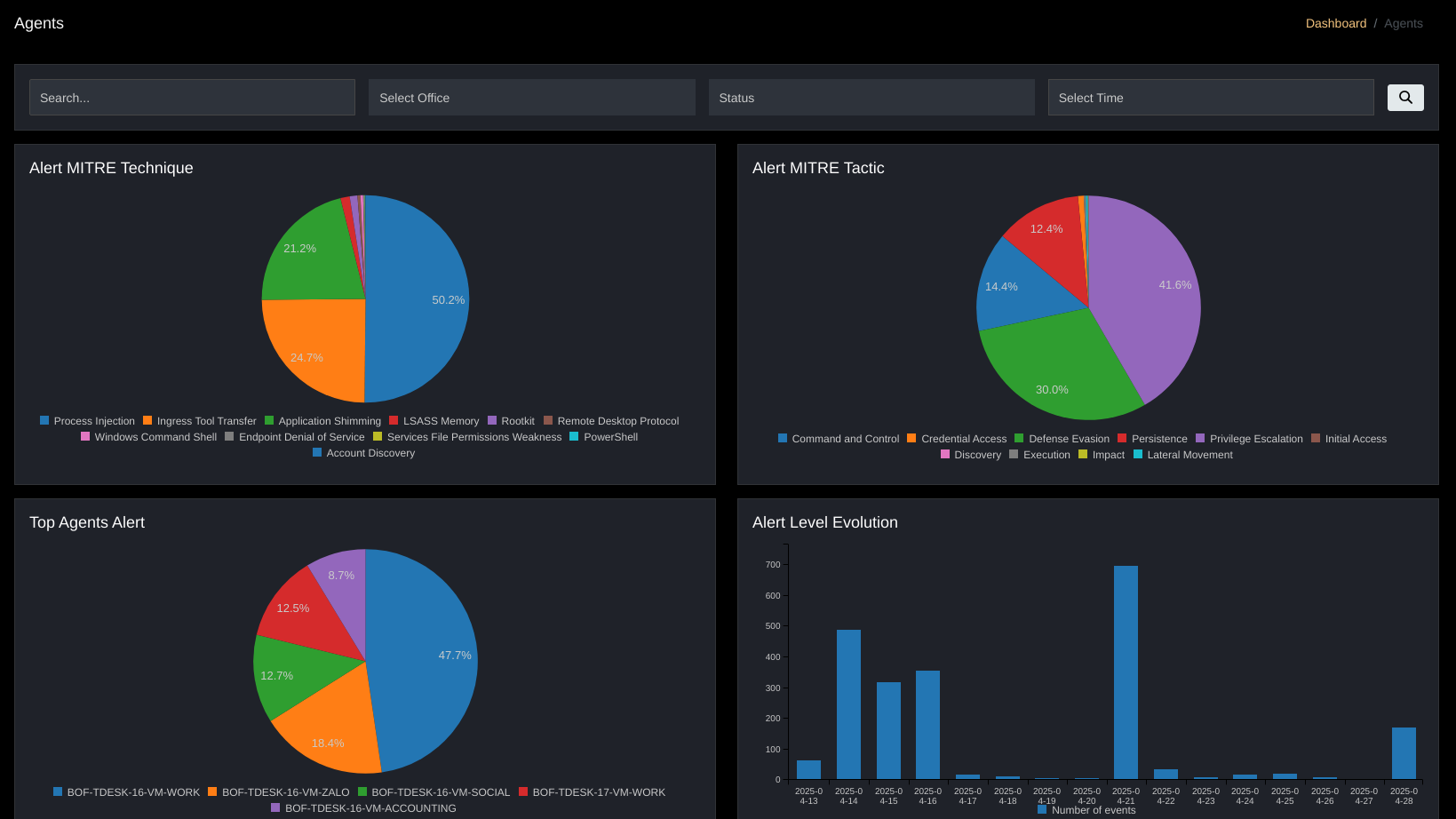
Filtering Agent Information

- (1)
Search: Flexible search by Keywords, Office, Status - (2)
Select Office: Display information by department - (3)
Status: Display by status – Active/Disconnected/Pending/Never Connected; - (4)
Select Time: Display by time – Today/Yesterday/7 days ago/15 days ago/Custom.
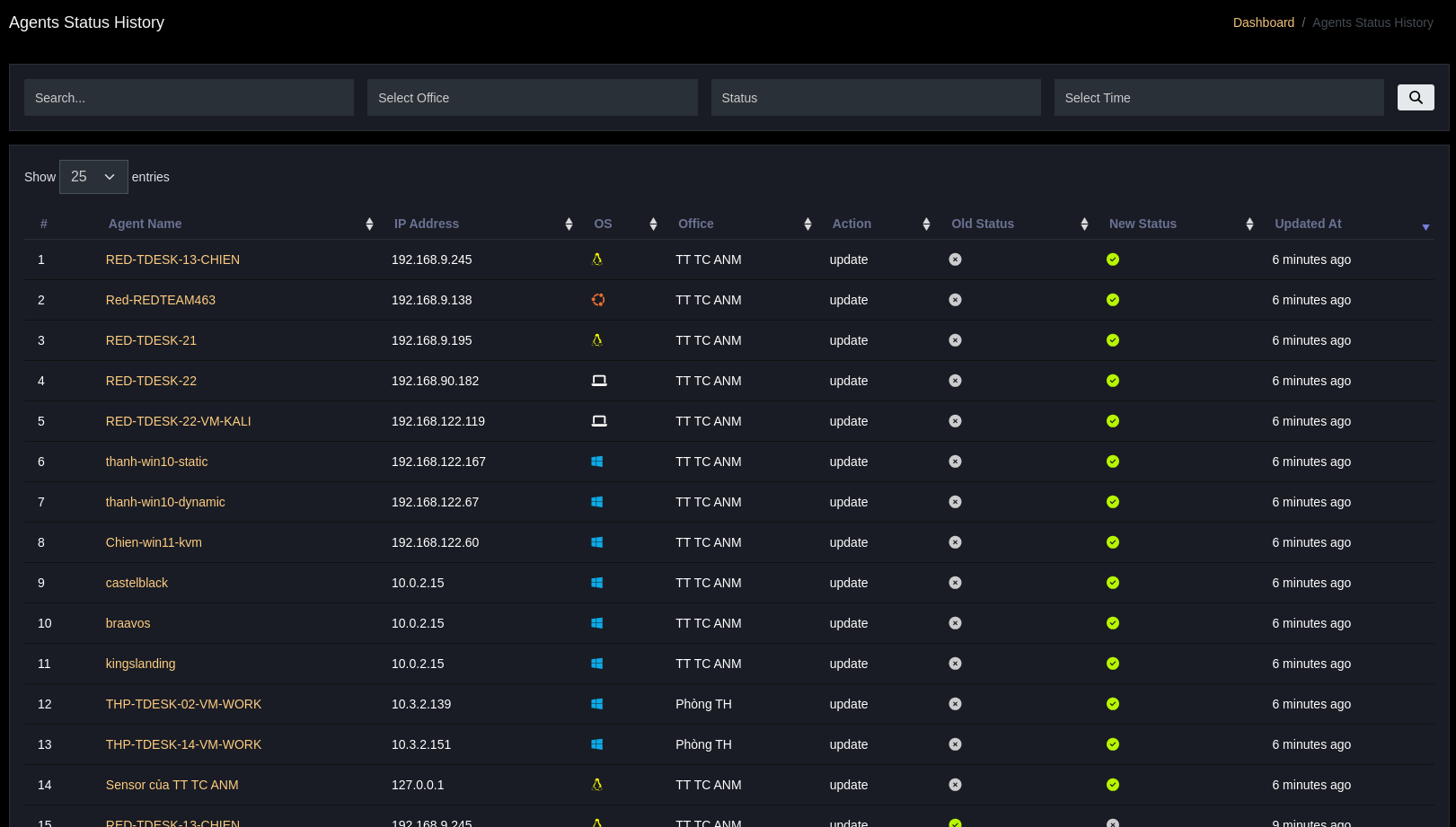
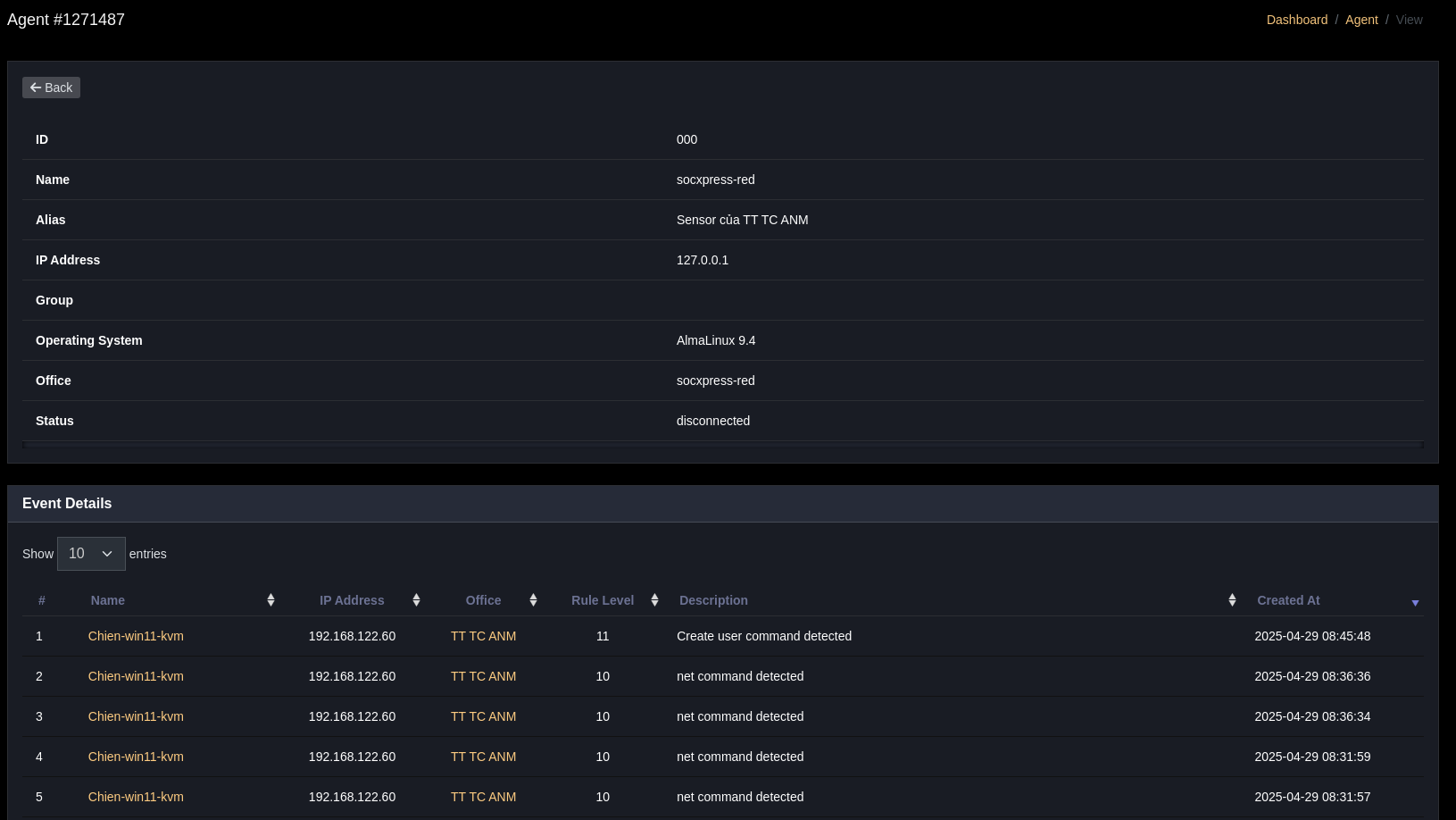
The Agents table provides information about Agents. This table has an "Agents Status History" button linking to the Agents status history table. Each Agent in this table has Actions to: View details, Edit, Delete, View Events
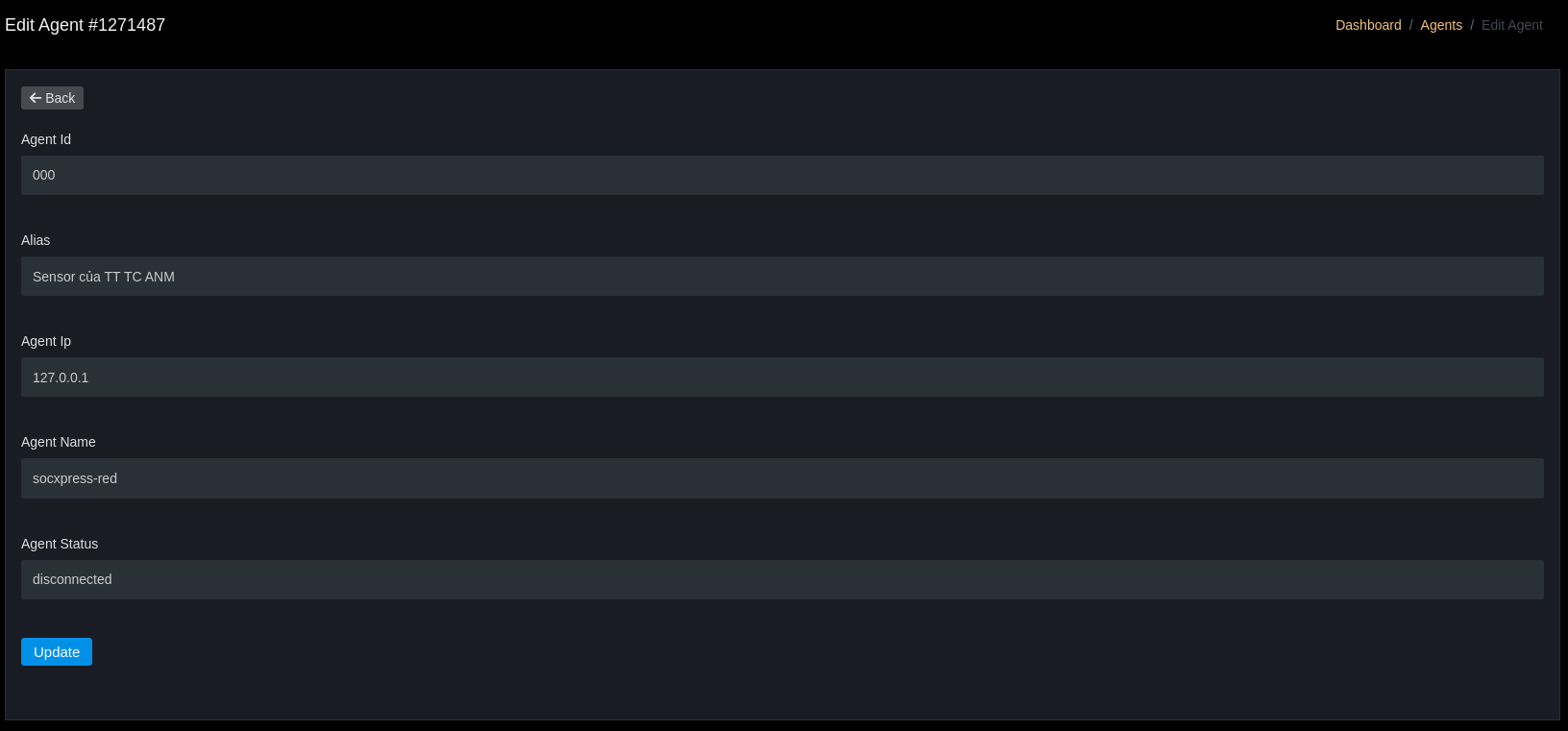
Edit an agent's information
View an agent's details
Search and Filter

Searchby name, IP, hostname, alias.Select Officeto view agents of a branch.Statusto filter by status.Select Timeto view agents active within a time period.
Tagging
- Assign tags (e.g.,
critical,db-server,linux) for filtering and policy purposes. - Tags can be used in SIEM filters to narrow event scope.
Basic Operations
- Check agent logs when agent reports
Disconnected. - Use
View Eventsto quickly view alerts related to that agent.