Vuln Scan
Vulnerability Scanning (VulnScan)
Purpose
VulnScan scans Agents to identify software/packages with vulnerabilities (CVE) and supports risk assessment.
Key Features
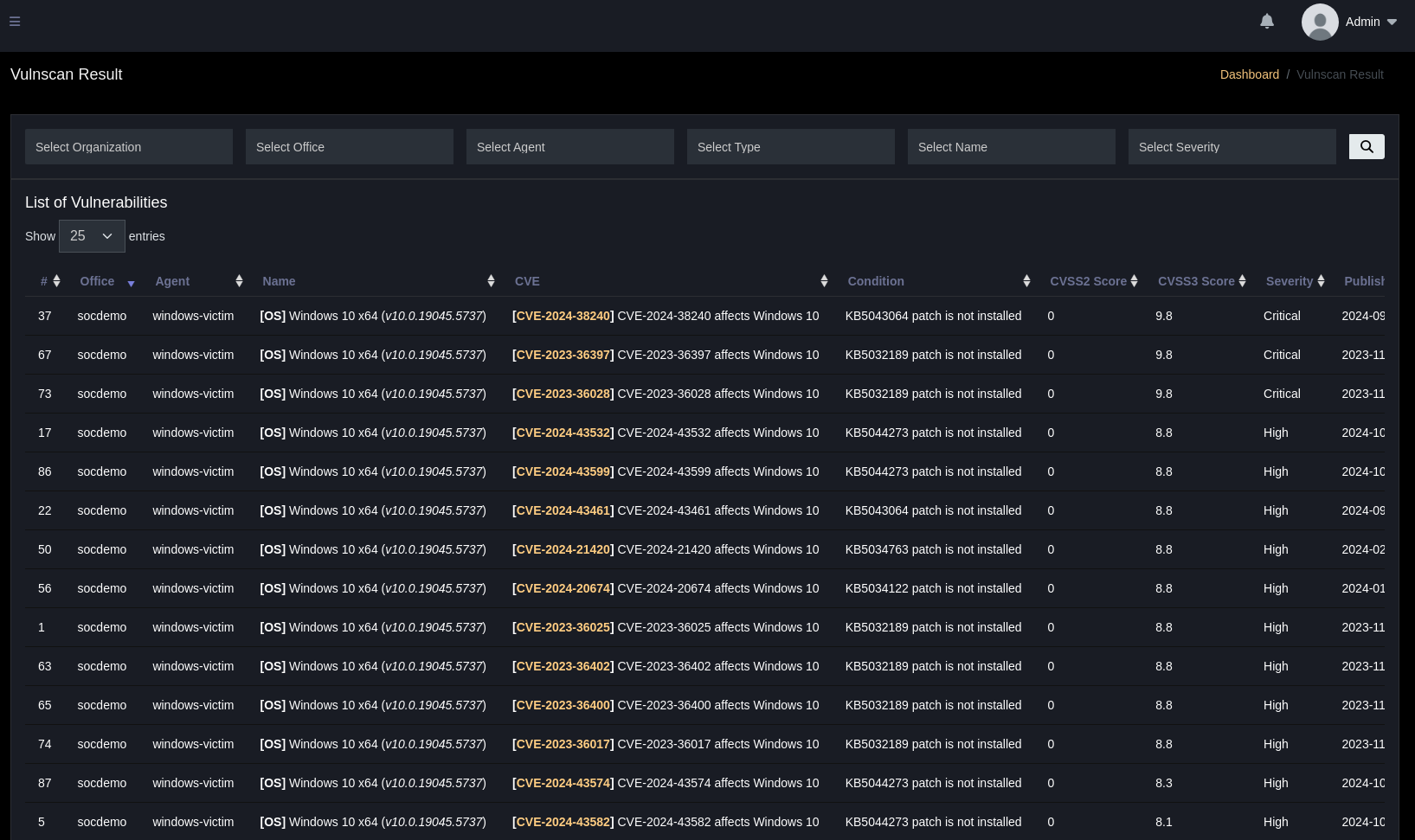
- Scan to detect CVEs for each Agent and group by Severity.
- Display CVE information, description, severity level, patch (KB), and reference links.
- Filter by Severity to prioritize remediation.
Process
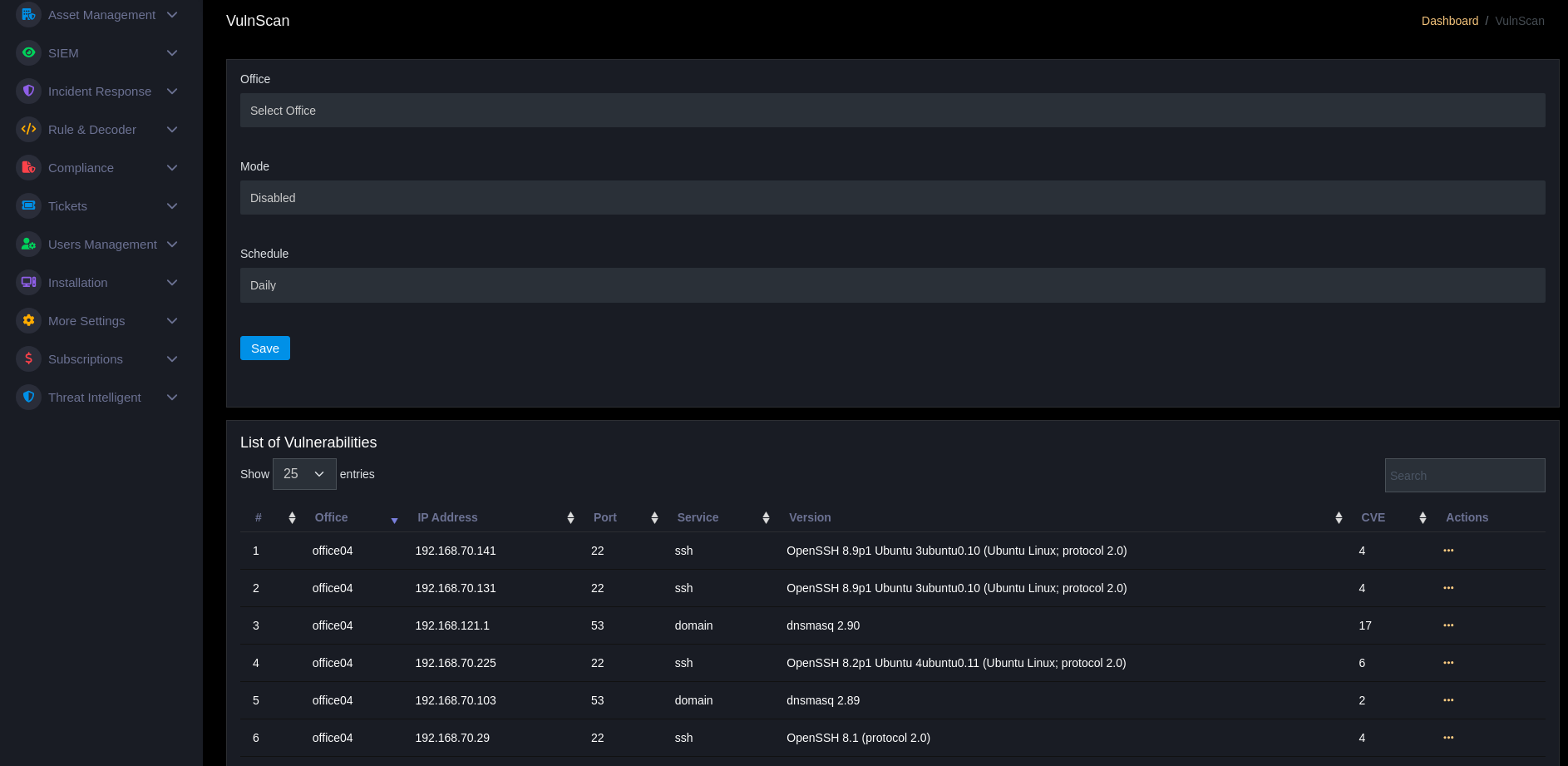
- Select
OfficeorAgentto scan. - Run scan and wait for results.
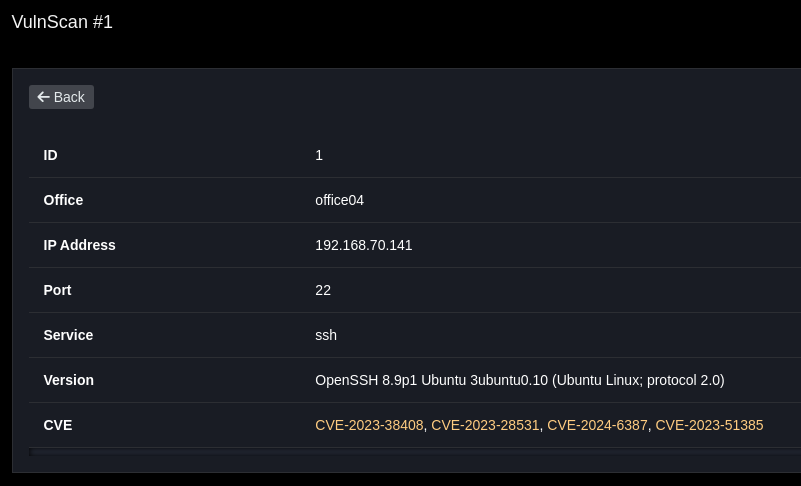
- View vulnerability list, select
Viewin Actions column to view CVE details.
Actions
- Mark as fixed / assign remediation task.
- Export report for patch management.
- Combine with
Software Inventoryto compare versions and identify missing patches.